Interactive Polyhedron Builder
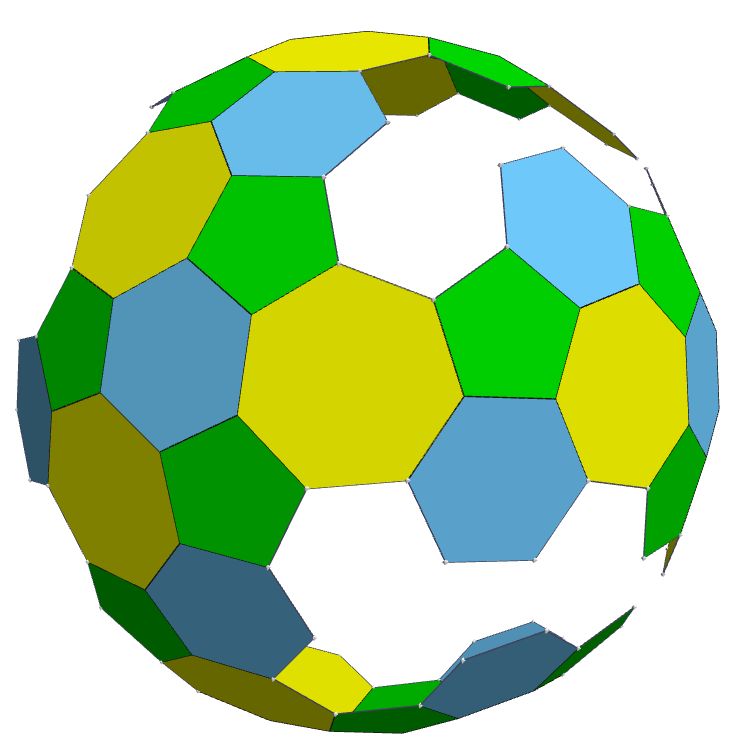
A browser-based 3D geometric construction tool for assembling polyhedra and polyhedral nets from rigid regular and star polygons.
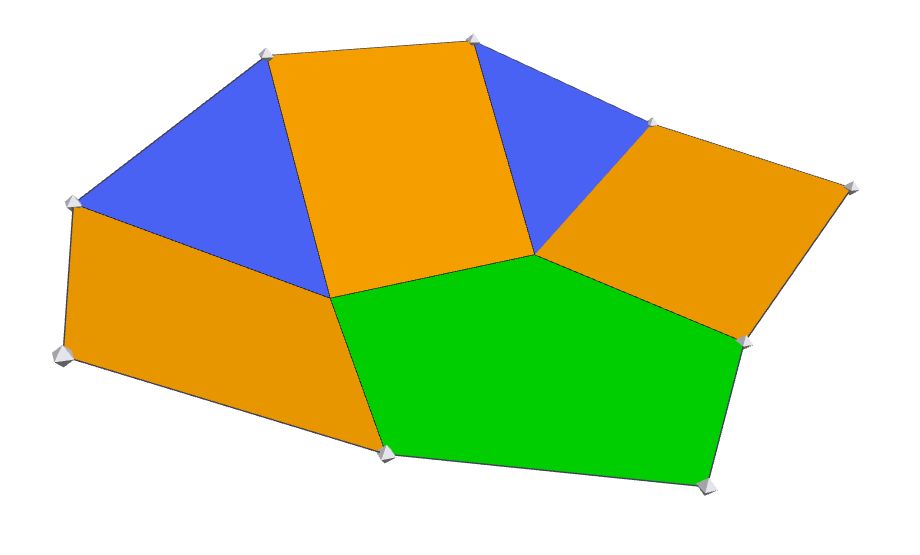
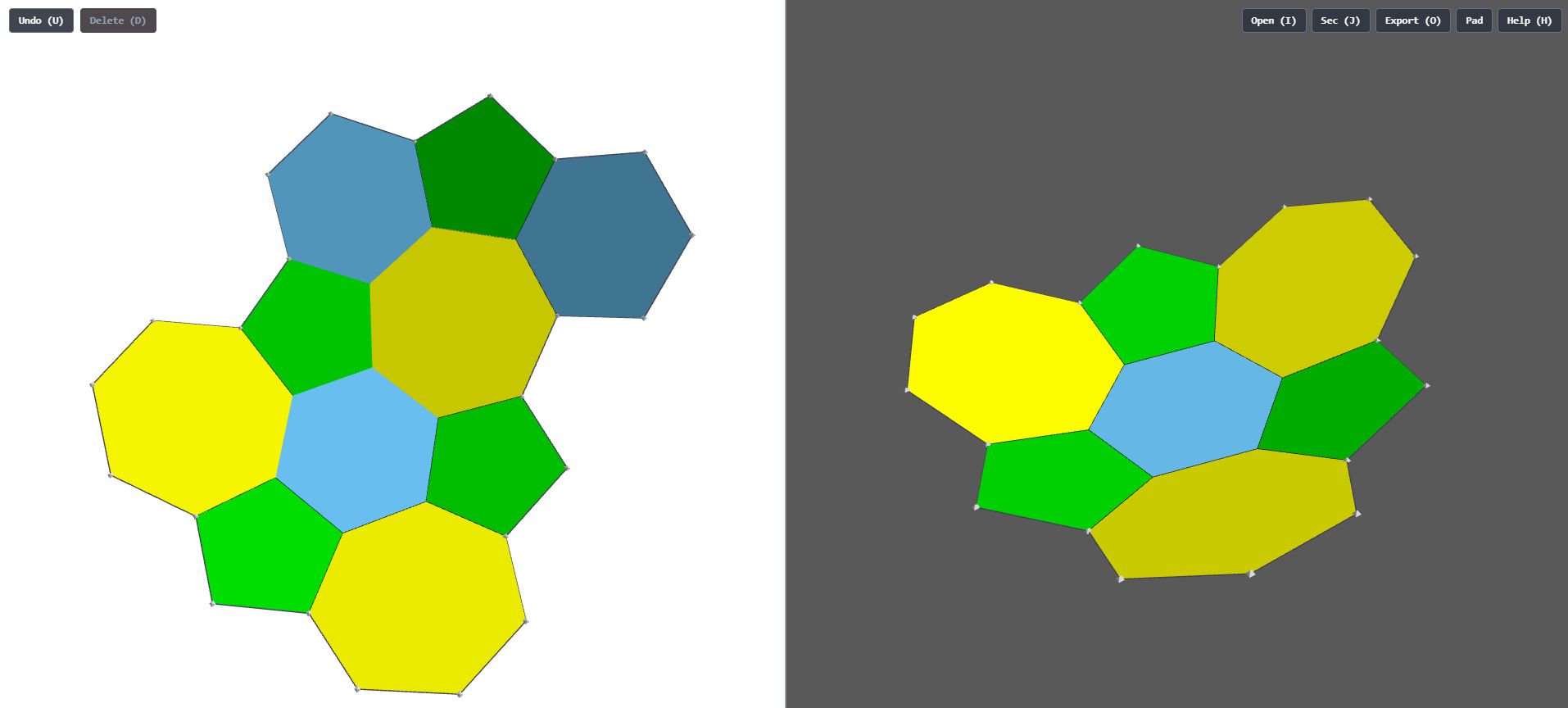
Workspace Preview
About
Interactive Polyhedron Builder is a browser-based 3D geometric construction tool for assembling polyhedra and polyhedral nets from rigid regular and star polygons.
Regular and star polygons
Build with 3-gons through 12-gons as well as star polygons (
5/2, 7/2, 7/3, 8/3, etc.).
Add faces
Select an unmatched edge and add the polygon of your choice.
Rigid hinge kinematics
Select two open vertices to merge them.
Split-screen merging
Open or copy a second model into a secondary pane and merge any two unmatched edges, with optional flip and mirror chirality controls.
OFF import and export
Open existing regular-faced .OFF meshes or export your model with merged vertices, planarised faces and 16-decimal-place precision.
Desktop and touch support
Works with mouse and keyboard on desktop, and with touch gestures (tap, 1-finger orbit, 2-finger pinch zoom) plus an on-screen Pad on phones and tablets.
Symmetry mode
Enable rotational (S, red axis) or dihedral mirror (Ctrl+S, green axis) symmetry from a single base polygon so additions, folds, drags, merges and deletions apply symmetrically.
Controls and Help
Add a polygon by selecting an open edge (green), then pressing a number (or using the Pad).
Select two open vertices (cyan & magenta), then press M (or Merge) to join them.
With a secondary pane open (via C or J), select one open edge in each pane, then press M (or Ctrl+M / Alt+M) to merge across panes.
| Input / Shortcut | Action |
|---|---|
| 3–9, 0–2 (10–12) | Add base polygon / attach to selected open edge |
| Hold num + press denominator | Attach star polygon (5/2, 7/2, 7/3, 8/3, …) |
| S / Ctrl+S (or Pad) | Toggle rotational (red axis) / dihedral mirror (green axis) symmetry when one face exists (S toggles off) |
| Left-drag / 1-finger drag | Orbit camera (either pane) |
| Wheel / 2-finger pinch | Zoom camera (either pane) |
| Right-drag / Shift+drag | Drag vertex (or enable Drag Vtx on touch) |
| Click / Tap vertex | Select up to 2 open vertices (cyan & magenta) |
| Click / Tap edge | Select open edge / fold hinge (+5 deg) |
| [ / ] | Fold selected hinge (−5 deg / +5 deg) |
| M | Merge 2 vertices (main pane) / 2 open edges (across panes) |
| Ctrl+M / Alt+M | Flip / mirror chirality before edge merge |
| J / C / X | Import .off to secondary pane / copy main to secondary / close secondary |
| U / Undo button | Undo last addition or merge |
| D / Delete button | Delete face on selected open edge |
| I / O | Import .off to main pane / export named .off (16dp) |
| B / R / H | Toggle black or white background / reset / toggle help |